
Best AI Image Generators for Creative Work Compared
Seven AI image generators run through the same checks for pricing, editing tools, commercial terms and AI labels, with one table to compare them.
A freelancer quoting a brand-identity job and a studio pricing a campaign start from the same two questions about an AI image generator. What will a month of work cost, and can the files go to the client? The plan pages answer neither cleanly. Midjourney bills in GPU hours and Adobe in credits, while OpenAI and Google list no image count at all on their consumer plan pages.
The terms hold bigger surprises. One vendor bars you from presenting its output as human-made, and another changes what you owe once your company crosses a revenue line.
Seven generators go through the same documentation checks and the same one-shot prompt below, one table puts the results side by side, and a closing set of factors narrows the pick.
How Do AI Image Generators Work?
Every tool in this test turns a text prompt into an image, and most do it by denoising. Not every vendor publishes its architecture, so this describes the common approach and not each product.
Diffusion models are trained to denoise random noise step by step, and generation runs that process from random noise until an image appears. Four parts of that process explain most of what the comparison below measures.
Prompt encoding: A text encoder converts the prompt into numerical embeddings, and those embeddings steer every denoising step.
Extra inputs: Reference images and masks join the process as additional guidance, such as the additional conditioning input image in the Diffusers documentation. In diffusion tools, that is how reference-based editing and mask-based inpainting work.
Compute per step: Every step costs GPU time, and larger renders and vector output cost more of it at vendors that publish their rates. That compute is what GPU hours, credits and per-image rates meter.
The trained model: Everything above depends on one trained model, and a new version is a retrained one. OpenAI moved from Images 2.0 to Images 2.5 within months, and Google introduced Nano Banana 2.1 while its help page still named Nano Banana 2, so record the model name next to the brief.
The mechanics also raise an ownership question. A vendor can assign you its rights in an output, but the US Copyright Office says AI outputs are protected only where a human author has determined sufficient expressive elements, such as creative arrangements or modifications, and not through prompts alone. Base any ownership or exclusivity promise on that human work, and put it in the contract. This reflects US law and is not legal advice.
Those mechanics, that ownership question and cost define the checks in the test below.
Test Method and Shared Prompt
Each tool went through the same checks, first against its vendor's own documentation and then against one shared image prompt.
Three criteria decide the rank:
Editing control: The reference inputs, in-image edits and layer or vector options the vendor documents.
Rights clarity: Whether the vendor states its commercial terms, and how many conditions attach.
Cost visibility: Whether the vendor publishes the unit it meters, so a month of work can be priced before paying.
Vendor documentation comes first, and press coverage appears only where no vendor page could be retrieved, with the outlet named. Where a vendor stated nothing, the table reads "Not confirmed" instead of a guess.
Every tool received the prompt below once, on its free plan or the cheapest paid plan where none exists, with default settings, no reference images and no retries:
Flat illustration poster artwork for a fictional coffee roaster, full-bleed, no frame, no mockup. A steaming coffee cup on a table in front of a window with a rising sun. Headline across the top: MARROWBROOK COFFEE. Subline directly under it: Roasted in small batches. Small footer text at the bottom: Open 7am to 3pm, Tue to Sun. No other text. Use only three flat colors: Deep green, warm cream and burnt orange. Portrait 3:4.
It tests exact text in three places, layout control, a strict three-color palette, a ban on extra text and a portrait format, and every check has a clear pass or fail. The first image each tool returned appears below, labeled with its tool.
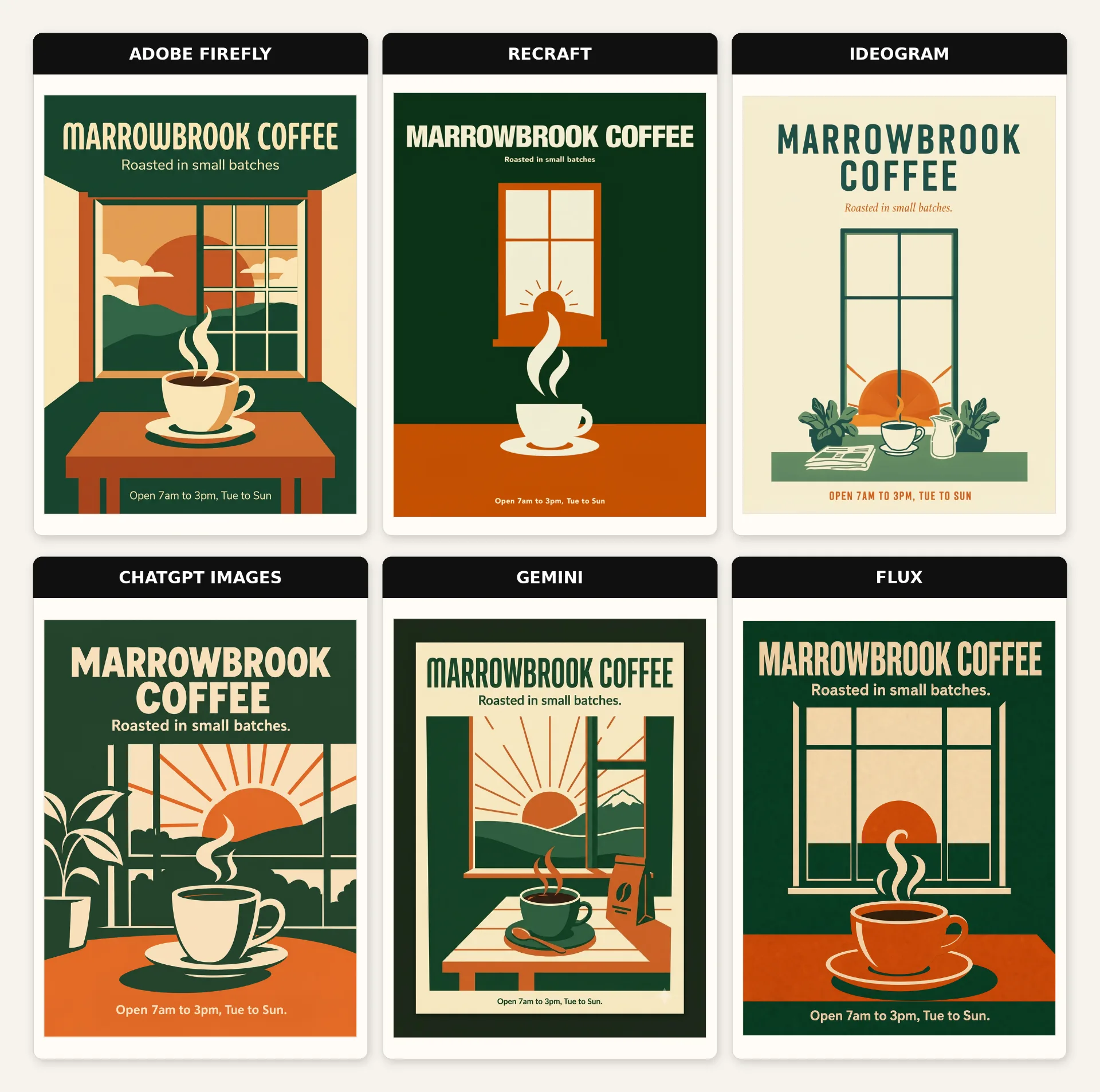
One prompt and one attempt show a single sample, not a verdict.
Best AI Image Generators for Creative Work
Each entry covers what you get, what you don't, the pricing plans and the work it suits best.
1. Adobe Firefly
Adobe Firefly is Adobe's AI creative space for images, video, audio and vector graphics. Text to Vector Graphics returns scalable vector output from a text prompt, which suits logos and icons. Four paid plans carry monthly credits from 2,000 to 50,000, and a free plan offers limited daily generations.
What You Get
Unlimited standard generation: Every paid plan includes unlimited standard image features such as Generative Fill.
Creative controls: Over 20 controls adjust style, lighting, color and composition.
App handoff: Results move directly into Photoshop, Premiere or Express for further editing.
Partner models: Google and OpenAI models run inside Firefly.
What You Don't
Credit burn: Partner models, video and audio spend credits instead of the unlimited allowance.
No rollover: Credits reset each billing cycle and do not roll over.
Pricing
Free: $0
Standard: $9.99 a month
Pro: $19.99 a month
Pro Plus: $49.99 a month
Premium: $199.99 a month
Best For: Designers who work in Photoshop or Illustrator and want generation inside those apps.
Watch: Unlock Creative AI Power with Adobe Firefly, from Adobe Creative Cloud.
2. Midjourney
Midjourney is a standalone image generator sold in four paid tiers that meter fast GPU time, from 3.3 to 60 hours a month. Its Edit Model accepts up to four reference images and runs inpainting and outpainting in the Editor, and it works with V8.1 and V8.2. Extra fast time costs $4 an hour.
What You Get
Unlimited Relax: Standard, Pro and Mega include unlimited image generation in Relax mode.
2K output: V8.1 renders 2K HD images without a separate upscale, and standard jobs run four to five times faster than earlier versions.
Style Reference: It accepts an image or a code from Midjourney's internal style library.
Annual discount: Paying for a year upfront takes 20% off the plan price.
What You Don't
Private mode costs more: Stealth Mode, which keeps images and videos private, is limited to Pro and Mega.
Heavier renders: An HD render costs 1.33 minutes of GPU time against less than one minute for a standard render, and Omni Reference runs only in V7 at twice the GPU time.
Pricing
Basic: $10 a month
Standard: $30 a month
Pro: $60 a month
Mega: $120 a month
Best For: Concept and style exploration that starts from reference images.
Watch: Midjourney's New Edit Model
3. Recraft
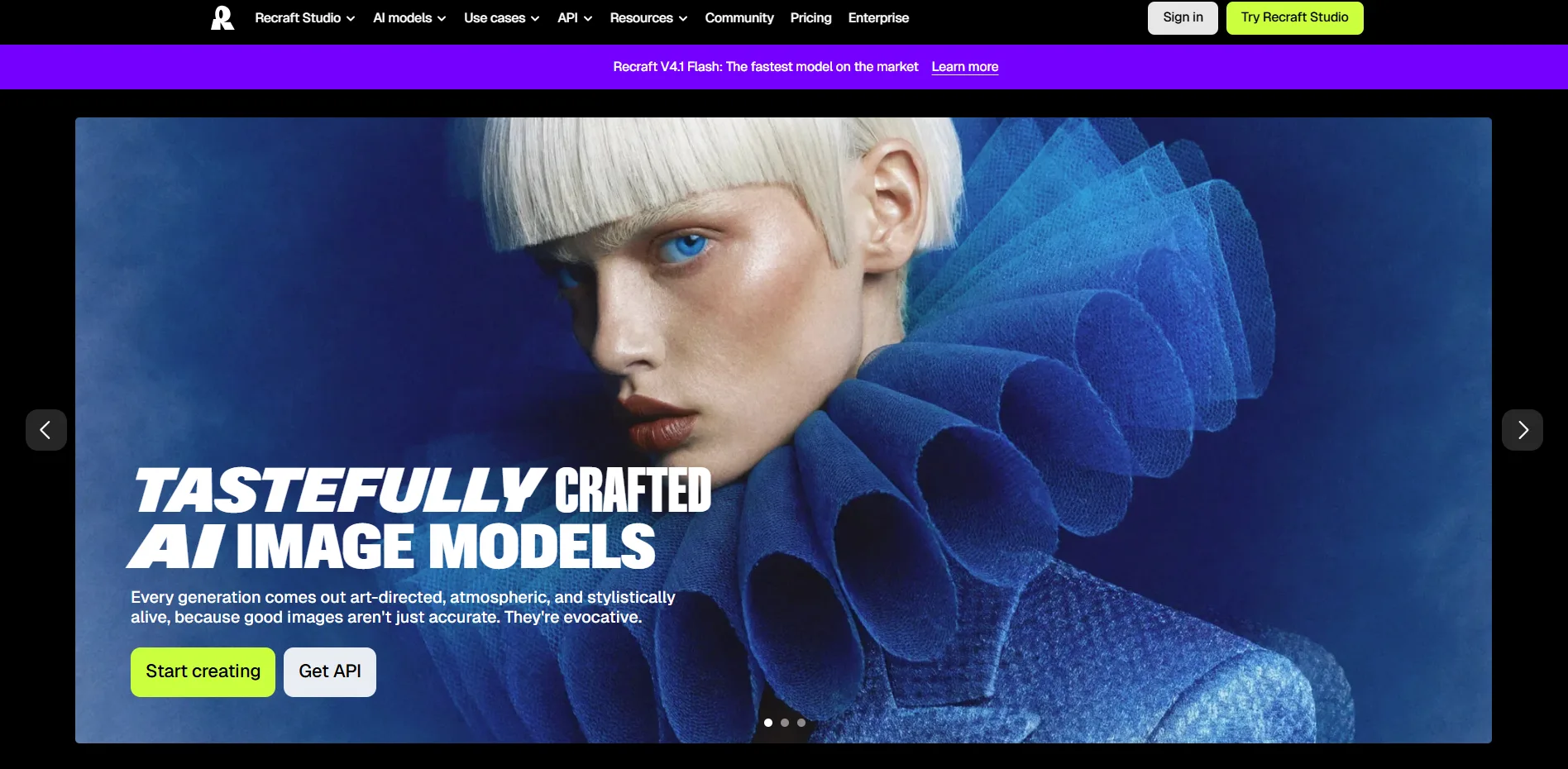
Recraft is an AI platform for design assets, including raster and vector images, mockups, color palettes and brand-style visuals, with a free plan and credit-based paid plans. Vector output is always SVG, and the API can vectorize an existing raster image into a scalable vector graphic.
What You Get
Custom styles: Styles built from reference images can be reused by ID, with up to ten references per style through the API.
Upscaling and backgrounds: Crisp upscale raises resolution, creative upscale regenerates detail, and background removal works on raster and SVG.
Prompt editing: Inpainting, erasing and outpainting are built in.
Color palettes: Custom palettes steer generation and recolor existing images.
What You Don't
Public by default on free: Free-plan creations are public and owned by Recraft.
Quality loss on large files: Recraft downscales large, high-resolution images before inpainting or background removal, so they lose some quality.
Pricing
Free: $0
Basic: $10 a month
Pro: $16 a month
Teams: $18 a month per seat
Best For: Brand and icon work that needs a reusable style delivered as SVG.
Watch: Recraft Studio: New Interface Overview, from Recraft.
4. Ideogram
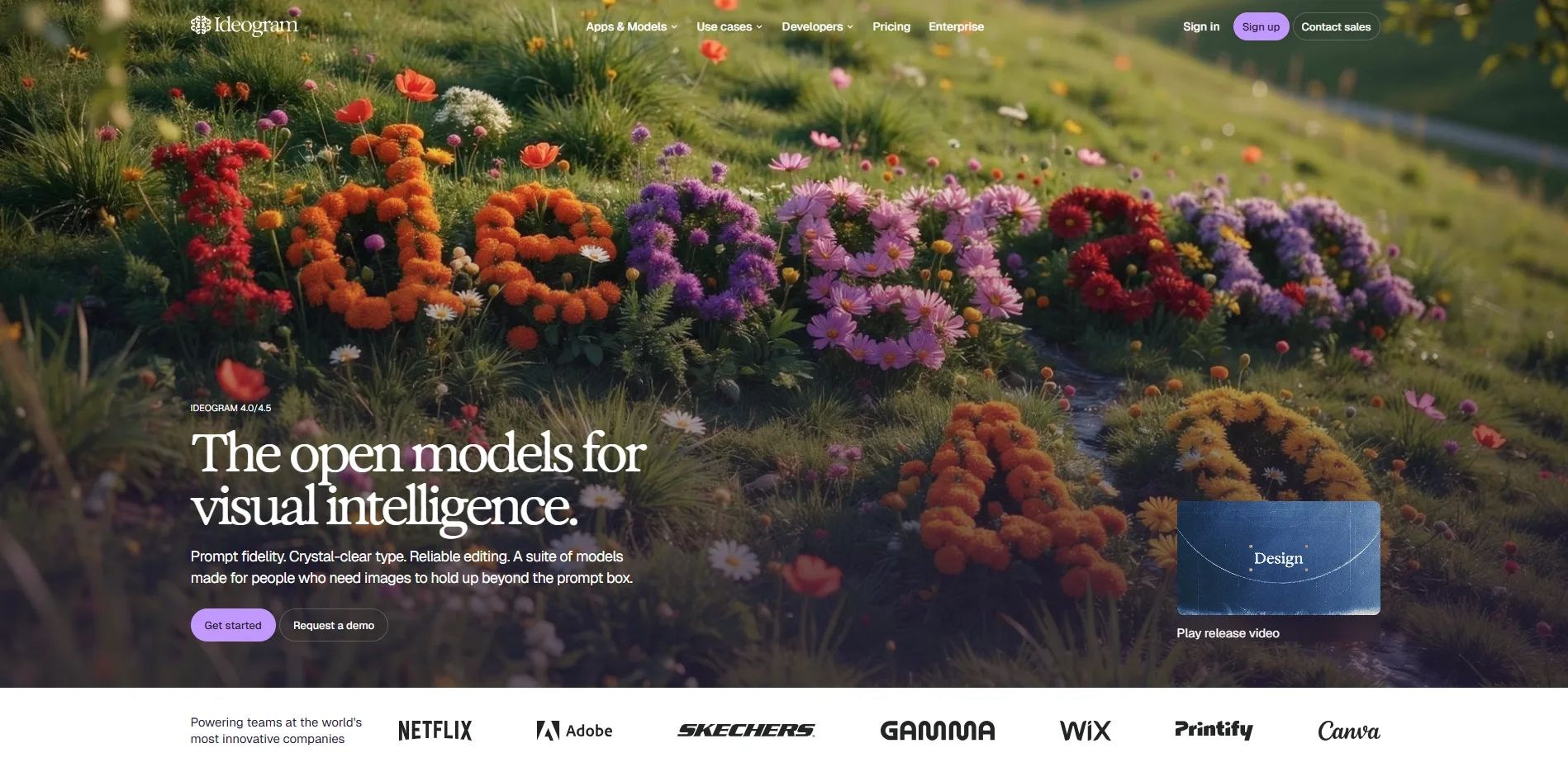
Ideogram is a standalone image generator with free, Plus, Pro and Team plans and a Studio editor for text and layers. Ideogram 4.5 takes up to five reference images, and Ideogram 3.0 accepts up to ten style reference images. Paid plans include unlimited slow credits alongside a monthly pool of priority credits.
What You Get
Editable text layers: Layerize text, which is in beta, turns text in an image into editable layers on every plan, including Free.
Vector output: Ideogram Vector generates SVG artwork and vectorizes existing images.
Custom models: You can train a model on your own images to hold a style or a product.
Batch generation: Pro plans run up to 500 prompt rows from a CSV.
What You Don't
Public on Free: Free-plan generations are public, and private generation depends on a paid plan.
No refunds: Ideogram does not refund subscriptions, renewals or credits, and cancellation must happen at least five days before renewal.
Pricing
Free: $0
Plus: $15 a month annual, $20 monthly
Pro: $42 a month annual, $60 monthly
Team: $20 per user a month annual, $30 monthly
Enterprise: Custom pricing (Contact sales)
Best For: Posters, social graphics and packaging comps where the text has to stay editable after generation.
Watch: Ideogram 4.5 Is Here: Edit Images Without Losing the Details
5. ChatGPT Images
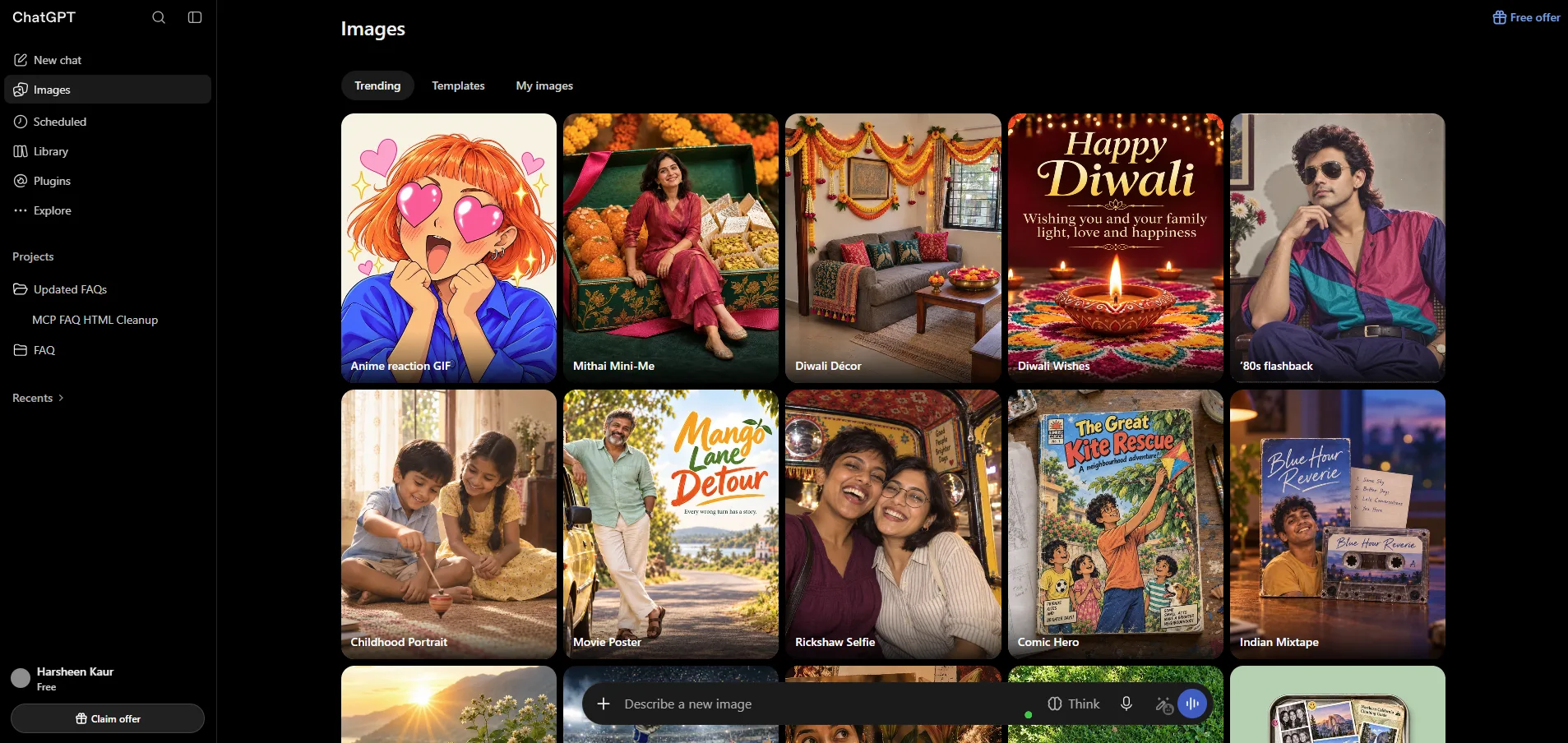
ChatGPT Images is OpenAI's image generation and editing feature inside ChatGPT, running on Images 2.5. OpenAI says Images 2.5 follows editing instructions more reliably across multiple turns. Developers can reach the family through two API models, GPT-Image-2.5 Sunburst and GPT-Image-2.5 Flare. OpenAI reports more than 3 billion images created each week across ChatGPT Images and the GPT-Image models in the API.
What You Get
Reference fidelity: OpenAI says Images 2.5 preserves the subjects in reference photos better.
Rendering: The same launch post cites more natural lighting and richer textures.
Sketch and comments: Sketch lets you draw a reference directly in ChatGPT, and image comments and prompt sharing support focused edits and reuse.
Access on every plan: Image generation runs from limited and slower on Free to unlimited and faster on Pro, subject to abuse guardrails.
What You Don't
No image count: The pricing page shows none for any tier, so volume cannot be planned.
Ads on Go: The Go plan may include ads.
Pricing
Free: $0
Go: $4.25a month
Plus: $21.29 a month
Pro: From $113.95 a month
Best For: Refining one image through many rounds, such as retouching a reference photo or adjusting a layout.
Watch: ChatGPT Images 2.5 Tutorial for Beginners, from Kevin Stratvert.
6. Gemini
Gemini is Google's AI assistant, and it generates images with its Nano Banana models. Google says Nano Banana 2 renders legible text in images and can translate and localize it. Limits are compute-based and refresh every five hours until a weekly cap.
What You Get
No plan needed: Image generation with Nano Banana 2 is included without a Google AI plan.
4K output: Google says Nano Banana 2 handles resolutions from 512px to 4K.
Subject consistency: Google says it keeps up to five characters and the fidelity of up to 14 objects consistent in one workflow.
Plan multiples: Plus gets twice the standard limit, Pro four times, and Ultra five or twenty times the Pro limit.
What You Don't
Paid-only redo: Redoing an image with Nano Banana Pro requires Plus, Pro or Ultra.
Floating allowance: Prompt complexity, the models and features used and chat length change how fast it runs out, and extending the limit means buying AI credits.
Pricing
Free: $0
Google AI Plus: $4.99 a month
Google AI Pro: $19.99 a month
Google AI Ultra: $99.99 or $199.99 a month
Best For: Occasional, exploratory work in an app already in use, such as drafting visuals inside a chat.
Watch: How to Use Nano Banana 2 in Gemini [2026 Guide]
7. FLUX and Stable Diffusion
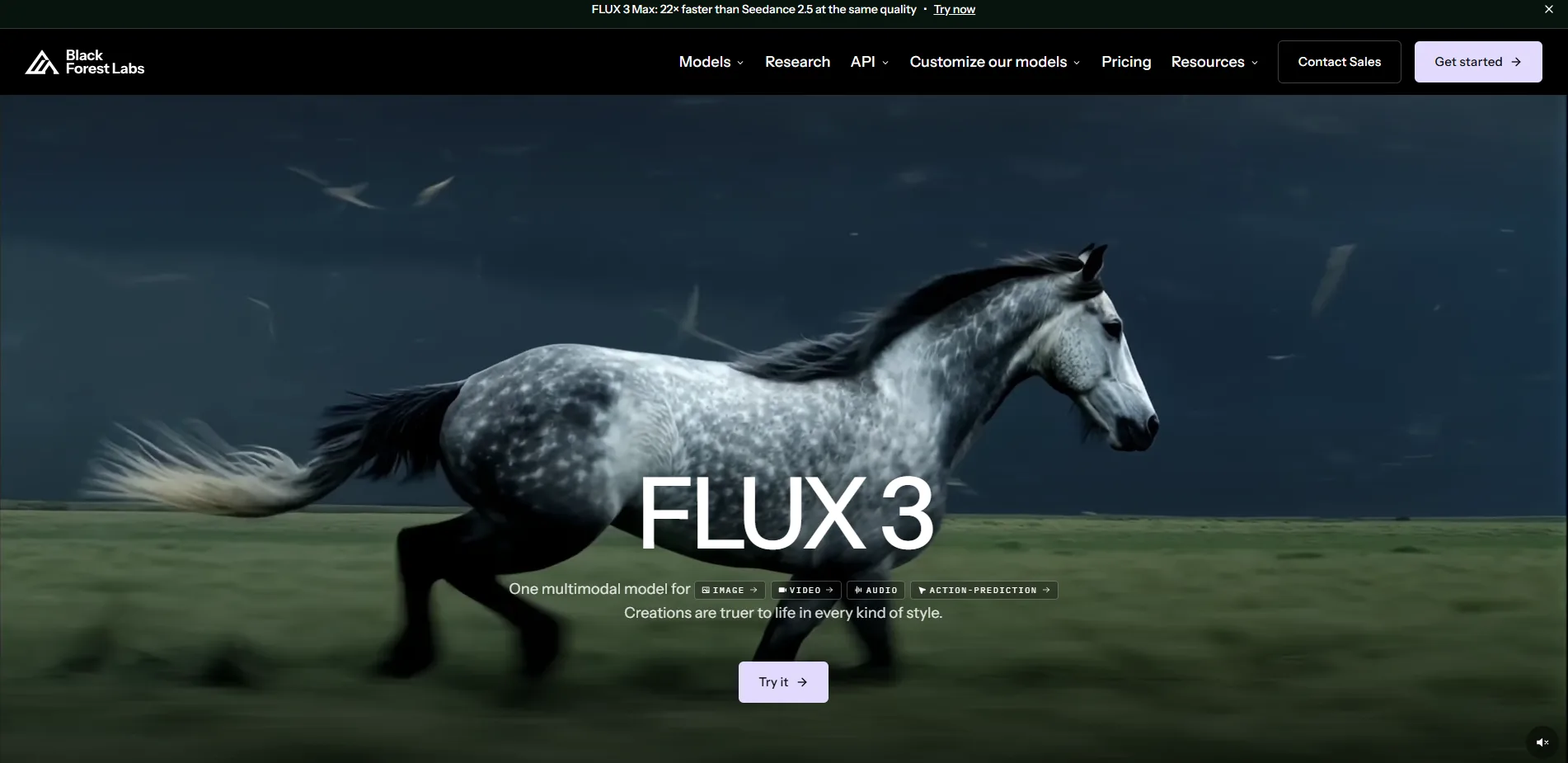
FLUX is Black Forest Labs' image model family and Stable Diffusion is Stability AI's, and both can be run on your own hardware under their licenses. FLUX.2 klein ships with open weights, and Black Forest Labs also sells API access to it. Stable Diffusion appears here for its licensing terms, which the table covers.
What You Get
Consumer hardware: Black Forest Labs' model page lists klein 4B at 8.4GB of VRAM, within reach of consumer GPUs.
Editing modes: klein handles text-to-image and both single- and multi-reference editing.
Fine-tuning: klein Base and dev are the recommended starting points for fine-tuning and LoRA training.
Two sizes: The klein line ships in 4B and 9B models, and 9B needs about 19.6GB of VRAM.
What You Don't
Heavy hardware for dev: FLUX.2 dev is a 32B-parameter model that needs H100-equivalent VRAM.
Quantized workaround: dev runs on an RTX 4090 only as a 4-bit quantized model with a remote text encoder.
Pricing
FLUX 3 Image: From $0.041 per image
FLUX 3 Image Klein: From $0.008 per image
Enterprise: Custom pricing
Best For: Teams with GPU hardware and a developer who want to fine-tune on their own style or run generation offline.
Watch: How to Use FLUX.2 Klein in ComfyUI (Complete Guide)
Side-by-Side Comparison Table
Side-by-Side Comparison Table
Start here for a quick scan. Rows follow the rank order, each column is one decision the test checked, and the last column says when each tool is the right pick.
Tool | Price and meter | Free plan | Private images | SVG output | Edit and reference tools | Commercial use | AI label in file | Pick it when |
|---|---|---|---|---|---|---|---|---|
1. Adobe Firefly | $9.99 a month, credits | Yes, limited daily generations | Yes, until you share | Yes (Text to Vector Graphics) | Generative Fill and Expand, Prompt to Edit, 20+ style controls | Adobe models commercially safe, partner models your call | Content Credentials (C2PA) | You need SVG and Adobe app handoff |
2. Midjourney | $10 a month ($8 annual), GPU hours | No | Pro and Mega only | No † | Edit Model with 4 references, inpainting, outpainting | Allowed, but Pro or Mega above $1M revenue | IPTC tag only, no C2PA | References drive the look |
3. Recraft | $12 a month ($10 annual), credits | Yes, public images | Paid plans only | Yes (native SVG) | Custom styles, inpainting, erasing, outpainting | Paid plans only | C2PA Content Credentials | The deliverable is a brand SVG |
4. Ideogram | $20 a month ($15 annual), credits | Yes, public images | Paid plans only | Yes (Ideogram Vector) | Up to 5 references, text layers (beta), custom models | Allowed, no ownership claimed | C2PA Content Credentials | Text must stay editable |
5. ChatGPT Images | $8 a month (may include ads), plan tier | Yes, limited and slower | Yes, until you share | No (PNG, JPEG or WebP) | Reference photos, multi-turn edits, Sketch | Yours, not exclusive, no human-made claims | C2PA and invisible watermark | One image needs many edit rounds |
6. Gemini | $4.99 a month, compute limits | Yes, Nano Banana 2 | Yes, until you share | No (raster) | Edits by instruction, 5 characters and 14 objects kept consistent | No Google ownership claim, similar output possible | SynthID and C2PA | You want a free start inside a chat app |
7. FLUX and Stable Diffusion | $0 self-hosted, API from $0.014 an image | Yes, free weights and demo | Yes, when self-hosted | No (JPEG, PNG or WebP) | Single and multi-reference editing (klein) | klein 4B Apache 2.0, klein 9B and dev non-commercial, Stable Diffusion free under $1M revenue | None built | You can run GPUs and fine-tune |
The table shows what each tool allows. The factors below decide which allowed tool fits the work.
Factors That Shape the Choice
Six factors shape the pick, and they work best in this order.
Deliverable type: The file a client receives narrows the field before anything else. Logos and icons need native vector output, layouts with live text need editable layers, and retouching needs reference-based editing. A tool that cannot produce the file is out regardless of price.
Metering model: The unit a vendor charges in matters more than the monthly price, because it decides how fast a busy week uses the allowance. A visible unit, such as GPU hours, credits or a per-image rate, can be budgeted. A hidden one needs a trial month to measure.
Commercial terms and company size: Revenue thresholds and plan-gated rights can turn a cheap tier into a non-option for a larger studio. Read the terms against your own company before comparing prices, and check whether any exclusivity promise to a client survives them.
Disclosure requirements: A documented label helps when a client or platform asks whether an image came from a model. Where the label is undocumented, assume none and keep your own record.
Editing depth: Projects that go through revision rounds depend more on reference inputs and in-image edits than on first-pass generation.
Workflow fit: A tool that runs inside software the team already uses removes an export and import step from every revision round.
All six factors move when a vendor changes its plans, terms or models, and that is where the closing section picks up.
Questions
5What are the best AI image generators?
Adobe Firefly ranks first, followed by Midjourney and Recraft. The ranking looks at editing control, clear usage rights and visible costs, not image quality. If you need something specific, like SVG files or a free start, the comparison table shows which tool fits.
Are there free AI image generators?
Yes. Firefly, Recraft, Ideogram, ChatGPT Images and Gemini have free plans, and FLUX.2 klein has a free browser demo. Midjourney has no free plan.
Can I use AI-generated images for client work?
Usually, but the rules change by tool and plan. Recraft's free plan is non-commercial, and Midjourney needs its Pro or Mega plan for companies earning over $1M a year. OpenAI lets you own the output but does not allow passing it off as human-made. Read the current terms first.
Which AI image generators make vector files?
Three can. Adobe Firefly, Recraft and Ideogram export SVG. The others make pixel-based images, so a logo from them needs tracing in a vector editor.
Are my AI images private?
It depends. Midjourney images are public unless you pay for Pro or Mega and turn on Stealth Mode. Recraft and Ideogram make free-plan images public. Firefly, Gemini and ChatGPT keep them private until you share a link.
What Comes Next
Three developments will redraw this ranking first. Google's Nano Banana 2.1 is still reaching accounts, Midjourney's Edit Model is replacing Omni Reference and Character Reference, and OpenAI and Google may yet publish the image counts their plan pages omit. Any one of them can move a tool a place or two, so recheck before a long project.
The durable part of this decision is the paperwork. Meters, license terms and labels are what a client contract rests on, which is why I weigh them first, and an edit history is the one asset that survives every model swap. Keep the brief, the model name and the edits together, and a project stays defensible when the tool underneath it changes.
Generated frames still need a designer's eye before they become a logo, a campaign visual or a product page. When a draft reaches that point, Original Design Studios can take the brief and the edit history from there.