7 Best Synthesia Alternatives in 2026
Seven Synthesia alternatives for 2026, compared on pricing, avatar quality, and workflow fit, including one option built for non-avatar video.

Synthesia is one of the best-known AI avatar video generators, built to turn a script into a talking presenter without a camera or a studio. It works well for a single video, but once you try to make it your standard way of producing video, you run into real limits fast, tight minute caps even on paid plans, avatars that can still look robotic, and features like voice cloning locked behind higher-priced tiers. You need a genuine alternative that fits your budget and the job the video needs to do, not a smaller version of the same tool.
We compared seven real alternatives to Synthesia, priced and tested against what each one ships rather than what its marketing page promises, so you can pick the one that fits what you are building, including one made for teams whose real need is not an avatar at all.
Where Synthesia Is Not Enough for Growing Teams
Synthesia's pitch is simple. Type a script, pick an AI presenter, and get a finished video with no camera or studio needed. That holds up for a single explainer, but the friction shows up once you try to make it your standard way of producing video.
Where the gaps show up:
Minute caps stay tight on every plan: Starter holds to 10 minutes a month, with real headroom coming from Creator at $64 a month billed annually or a custom Enterprise plan running near $30,000 a year.
No live preview while rendering: A video has to finish generating before anyone can see how the avatar delivers the script, so a bad take means waiting through another full render.
Gesture and expression control stays shallow: Avatars cannot be directed into a specific hand gesture or emotional beat, a limitation G2 reviewers raise most often.
Avatars can still look robotic: Naturalness and lip-sync issues remain the most-cited complaint across recent reviews, even as the underlying models improve.
Voice cloning and custom avatars sit behind higher tiers: Neither is available on the free plan, so a branded presenter requires paying up first.
None of this is a flaw in what Synthesia is built to do, and its training and localization use cases are genuinely strong. The gap shows up when the real need sits outside the avatar-reads-a-script format, the kind of gap we closed for Atlas by generating over 41,000 personalized programmatic videos in a single run, output no credit-metered avatar tool is built to produce at any price.
7 Synthesia Alternatives Ranked for Real Use
Every entry below gets judged on the same four things, how the tool builds a video, where the free or entry tier runs out, what a realistic paid bill looks like once minutes and seats are counted, and how well it fits into how you already produce content.
1. HeyGen
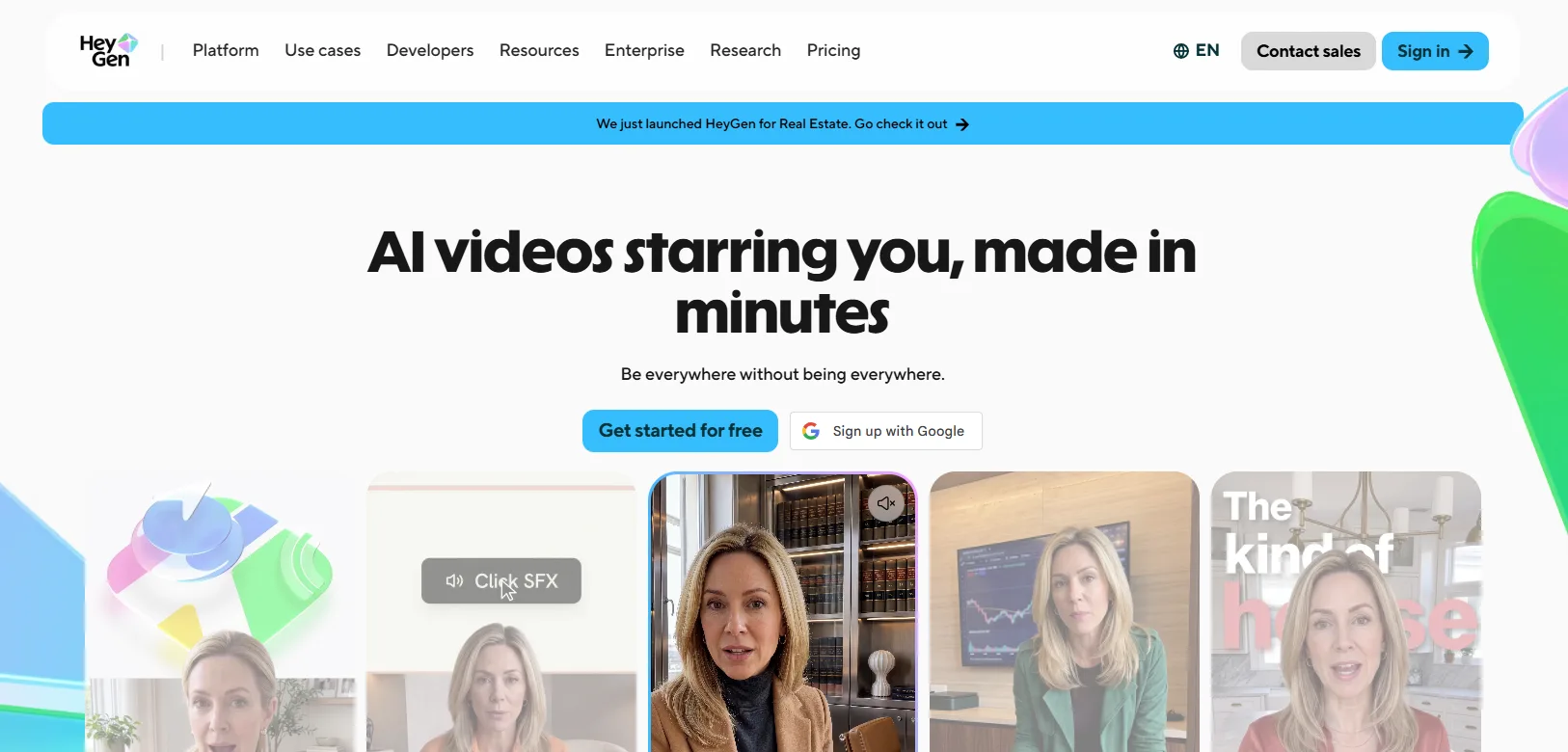
HeyGen is an AI avatar video platform built around lifelike talking presenters, founded in 2020 in Los Angeles. Marketing and sales teams turn a script into a spokesperson video, then translate it into dozens of languages through the platform's dubbing and lip-sync engine, the same tech used to lip-sync Argentine President Javier Milei's 2024 World Economic Forum speech. Every paid tier draws from one credit currency, and the newer, more realistic avatar models burn through it far faster than the standard model.
Major strengths
Photorealistic Avatar IV and V models: The higher tiers unlock HeyGen's newest avatar generation, rated 9.2 out of 10 for avatar quality in G2's own review-based scoring.
175+ language dubbing with lip resync: A single source video can be translated and re-lip-synced across a wide language set without re-filming anything.
Instant avatar creation from a short clip: Custom avatars can be generated from a brief recording rather than a full studio shoot.
Interactive Video Agent mode: Viewers can ask the avatar questions and receive a generated response instead of watching a fixed script play out.
Developer API access: The same avatar engine can be called directly from another application, a way for developers to plug avatar video into their own product, billed separately from any web plan.
Limitations
Premium avatars drain credits fast: Avatar IV and V cost roughly 6.7 times more per minute than the standard model.
API access is billed separately: A web plan includes no API credits at all.
Pricing
Free tier: $0 a month for three videos, each capped at one minute, exported at 1080p with a watermark.
Starter plan: Creator, $24 a month billed annually.
Best for
Marketing teams that need polished, multilingual spokesperson videos and can budget separately for premium avatar minutes once the free allowance runs out. Teams trying to predict a fixed monthly cost may find the real spend tracks avatar model choice more closely than plan tier.
2. Colossyan
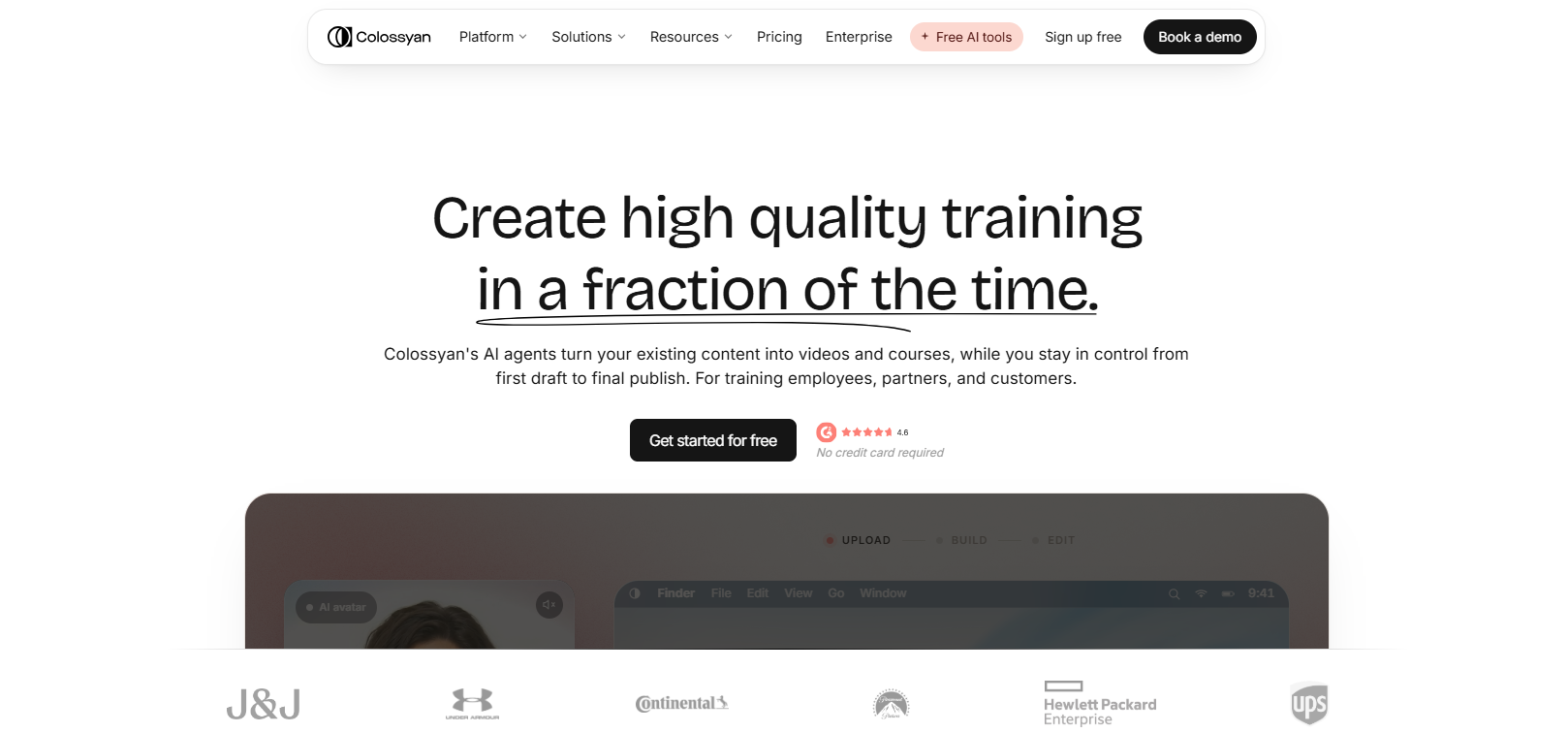
Colossyan is an AI video and course-creation platform built for corporate training and internal communications, carrying SOC 2 and GDPR compliance, the security and data-privacy certifications enterprise buyers check for. Scripts come from a course-outline editor or an imported PowerPoint or PDF, then get delivered through avatars, including multi-avatar conversation scenes with natural eye contact. Every plan ships with auto-generated captions by default, making the output accessible video for Deaf and hard-of-hearing viewers without any extra setup.
Major strengths
300+ stock avatars with conversation mode: Multiple avatars can share a scene with natural eye contact and reactions, suited to dialogue-style training scenarios.
SCORM export for learning platforms: Finished courses package into the SCORM 1.2 or 2004 format, the standard learning management systems like Workday or Cornerstone use to import courses.
PowerPoint, PDF, and document import: Slide notes or document text convert directly into avatar narration without retyping a script by hand.
Interactive branching and quizzes: Viewers can make choices inside a video or answer knowledge checks that feed into course completion data.
A genuine free plan: The Starter tier requires no credit card and gives new users a real monthly video allowance rather than a short trial window.
Limitations
NEO2 stays capped on paid plans: The newer, higher-fidelity avatar model is limited to ten minutes a month even on Professional.
Editor seats are tight below Enterprise: Professional tops out at three editors.
Pricing
Free tier: Starter, no credit card required, providing roughly $27 worth of monthly video on the standard NEO model.
Paid plan: Professional, $59 a month billed annually.
Best for
Learning and development teams that need SCORM-compliant courses and multi-avatar training scenarios and can work within a defined monthly minute budget. A solo marketer chasing high-fidelity avatar output for short-form content will hit the NEO2 cap within a video or two.
3. D-ID
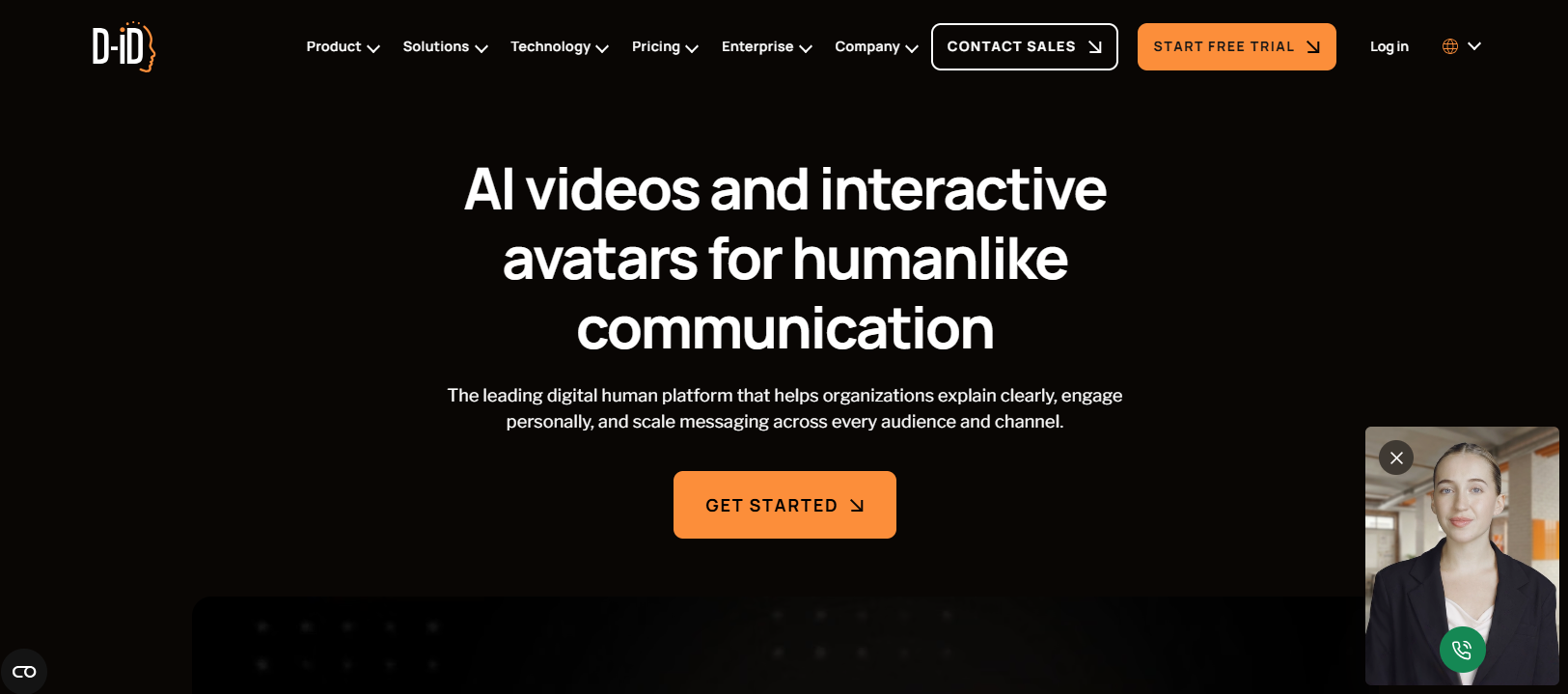
D-ID is a developer-oriented AI avatar platform built around its Creative Reality Studio and a documented API, positioned closer to infrastructure other products build on than a stand-alone editor. A user uploads a presenter image and a script, and the platform animates it into a lip-synced speaking video, with the same engine callable directly by developers. Resolution and commercial rights are split across separate tiers, so the right plan depends on what the video is for.
Major strengths
A documented API alongside the no-code studio: The same avatar engine powering the web editor is available for developers to call directly, useful for generating video inside another product.
Photo-to-video animation: A clear headshot can become a talking presenter, without needing a purpose-built avatar from D-ID's own library.
Real-time streaming avatars: The API supports live, low-latency avatar responses for cases like an embedded support agent, beyond pre-rendered clips.
Wide voice and language coverage: Standard and premium text-to-speech voices span a broad language set for scripted narration.
AI-assisted scriptwriting inside the editor: A built-in prompt-to-script generator drafts narration text before it goes to the avatar.
Limitations
Entry-tier output has no commercial license: Lite caps resolution at 512 pixels and excludes commercial use entirely.
No PowerPoint or PDF import: Scripts have to be written or generated by hand.
Pricing
Free trial: 14 days, capped at a small minute allowance, reduced resolution, no commercial use.
Starter plan: Lite, around $4.70 a month billed annually.
Best for
Developers and agencies building avatar generation into their own product or workflow through the API, where the studio interface is secondary to programmatic access. A team that needs one finished video with no development work attached will likely find the entry tier too restrictive to be worth setting up.
4. CoAnimator
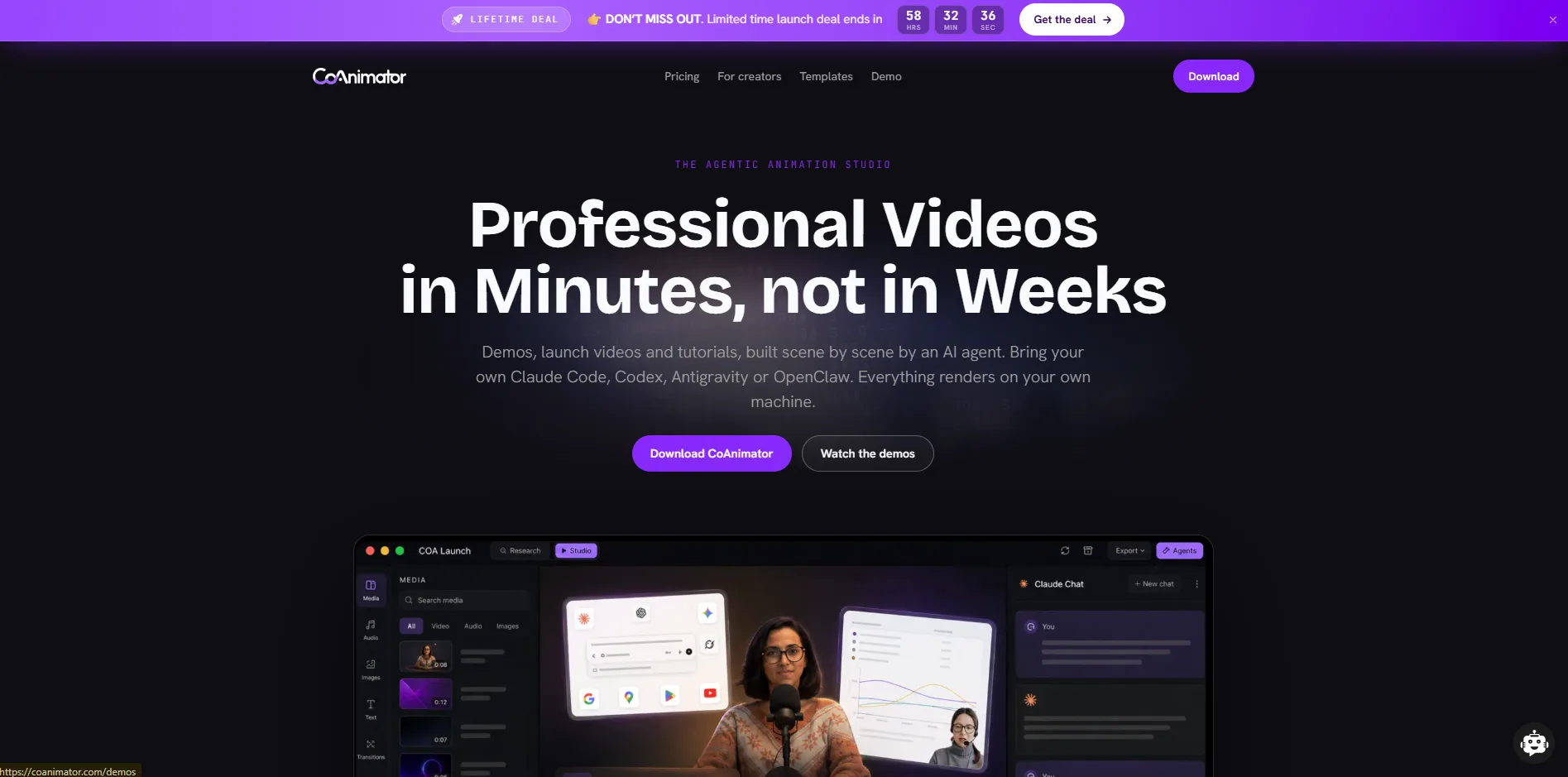
CoAnimator is an agentic AI animation studio where a connected coding agent, such as Claude Code or Codex, builds product demos, launch videos, and tutorials from a plain description. It runs as a desktop app on macOS, Windows, and Linux, with a live stage that updates as the agent builds each scene. The project is stored as editable files rather than a locked render, so updating it after a product change is an edit, not a reshoot.
Major strengths
Agent-built scenes from a plain description: Point a connected coding agent at the desktop app, describe the video, and it drafts the script and builds the scene while the stage updates live.
Video-as-code project files: Every project lives as editable files on disk rather than a rendered black box, so updating a video after a product change is an edit, not a reshoot.
One studio for several video formats: The same workflow produces product demos, motion graphics, and podcast edits rather than being locked to a single template type.
A headless CLI for scripted renders: The companion
coacommand line tool renders video from a cron job, a GitHub Action, or a release pipeline without opening the desktop app.A plugin system for voice, music, and capture: Built-in plugins add narration, a music bed, screen recording, and publishing, extending the same agent-driven workflow past animation alone.
Limitations
No built-in analytics: Tracking who actually watched a demo means building that separately.
Further workflow customization: May require plugins or external tools depending on what you want to add to the final video.
Pricing
Free tier: Unlimited local rendering at 720p with a watermark.
Paid plan: A one-time license that removes the watermark and unlocks 4K export.
Best for
Product marketers and founders who already work with a coding agent and need demos, tutorials, or launch videos that survive a product update without a full reshoot. It is a poor match for anyone who wants a click-through avatar generator with no setup, since a connected agent is what drives the studio.
5. Elai.io
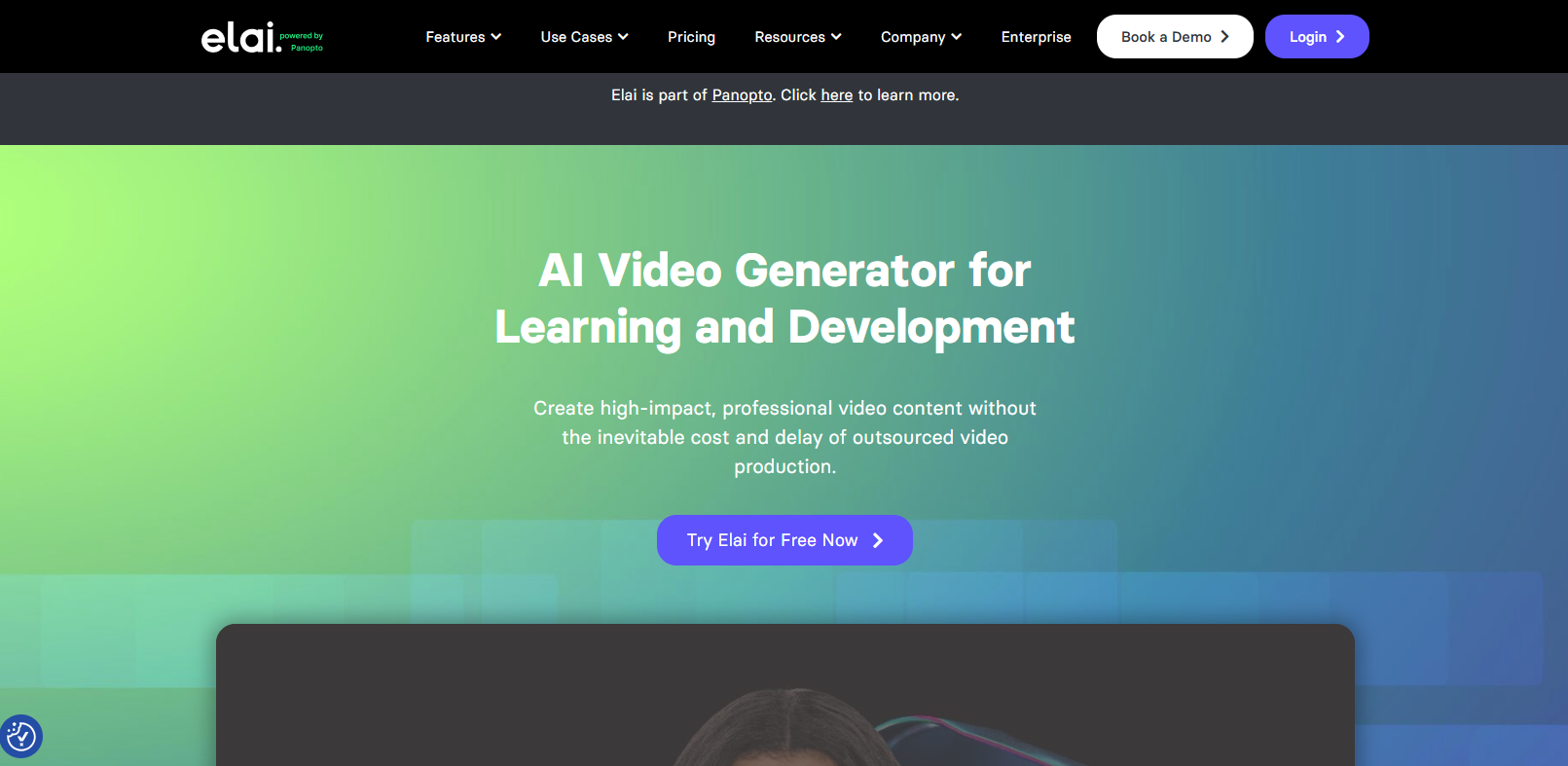
Elai.io is a text-to-video platform built around avatar presentations for marketing, sales enablement, and e-learning, aimed at teams that want to turn an existing content library into video without hiring a production team. A script, web page, or PowerPoint deck turns into a narrated avatar video inside a browser editor, with translation into dozens of languages available afterward. Video length is priced directly in minutes rather than through a credit system, keeping the entry-level cost easy to predict.
Major strengths
A real free plan: The free tier includes a monthly minute allowance, the full avatar library, and every core Creator feature rather than a stripped-down demo.
URL-to-video and PPTX-to-video conversion: An existing web page or slide deck can become a scripted avatar video without retyping the content by hand.
75+ languages with automated translation: A single master video can be translated and redubbed for international teams without recording separate versions.
Built-in screen recording: The editor can capture a screen alongside avatar narration, useful for product walkthroughs that mix a presenter with a live interface.
Interactive quizzes and branching: Viewers can answer knowledge checks or choose a path through the video, aimed at compliance and training use cases.
Limitations
Extra minutes cost more than plan minutes: Topping up runs a flat per-minute rate above any plan's allowance.
Custom avatar creation is a paid add-on: A studio-quality custom avatar costs extra on every tier.
Pricing
Free tier: $0 a month for one minute of video, one seat, and the full avatar and language library.
Starter plan: Creator, $23 a month billed annually.
Best for
Marketing and L&D teams that want to test avatar video seriously before paying, since the free tier behaves like a usable plan rather than a demo shell. A team needing more than one editor will outgrow the Creator plan quickly.
6. Vidnoz AI
Vidnoz AI is a budget-focused avatar video platform from Vidnoz Inc., a bootstrapped, Los Angeles-based company founded in 2016 that also ships a wider catalog of free tools under the same brand. It leans on a very large asset library, over 1,900 avatars and thousands of templates, competing on breadth rather than realism. A daily free credit allowance suits creators publishing short clips often, and the platform bundles talking-photo animation and face swap alongside standard avatar video.
Major strengths
1,900+ avatars and 2,660+ voices: The library is one of the largest in this category, spanning far more styles than most competitors offer at any price.
Daily free credits instead of a monthly pool: The free tier resets every day rather than once a month, fitting a creator publishing short clips regularly better than a single monthly allowance would.
Talking photo and face swap tools: Beyond scripted avatar video, the platform includes lighter creative tools not bundled into most avatar-first competitors.
Team collaboration for up to 1,000 members: Shared templates and brand assets are available on the Business plan, sized for larger organizations than most competitors support.
A built-in AI script generator: A prompt can draft narration text directly inside the editor rather than requiring a separate writing tool.
Limitations
Avatar realism trails the category leaders: Lip-sync precision and expressiveness lag HeyGen and Synthesia even on paid tiers.
Voice cloning and brand kits sit behind Business: Starter has no path to either without upgrading.
Pricing
Free tier: $0 a month for three minutes of video per day, capped at 720p with a watermark.
Starter plan: $19.99 a month billed annually, unlocking 1080p with the watermark removed.
Best for
Budget-conscious creators and small teams producing frequent short-form avatar clips who can accept avatar quality a step below the premium competitors. A team that needs voice cloning or brand consistency from the outset should budget for Business rather than starting on Starter.
7. DeepBrain AI (AI Studios)
AI Studios is the avatar platform built by DeepBrain AI, a South Korea-based company founded in 2016 with over a hundred AI-related patents and several CES Innovation Awards. It is one of the earlier entrants in the category, having built the AI news anchor deployed by South Korean broadcaster MBN before expanding into business video. The platform converts scripts, documents, or slide decks into presenter-led videos, pairing the generator with a genuinely usable mobile app for lighter edits on the go.
Major strengths
150+ languages with avatar-native dubbing: Localized versions of a video keep the same avatar and timing rather than swapping in a generic dubbed voice track.
Document, URL, and PowerPoint-to-video conversion: Existing written material converts directly into a scripted avatar video without a rewrite.
Gesture and multi-avatar scene control: Presenters can be directed with specific gestures and placed alongside other avatars in the same scene.
A dedicated mobile app: Avatar videos can be generated and lightly edited from a phone as well as from a desktop browser.
Enterprise compliance tooling: Single sign-on (SSO), GDPR alignment, and audit-friendly workflows are built for organizations with formal procurement requirements.
Limitations
Custom avatar creation is tightly rationed: One studio-quality custom avatar is included yearly on Personal, with more priced into four figures.
No serious built-in video editor: Anything beyond basic trimming means exporting to a separate tool.
Pricing
Free tier: $0 a month for three videos, each capped at three minutes, exported at 720p.
Starter plan: Personal, about $19.20 a month billed annually.
Best for
Enterprise L&D and corporate communications teams running large, multilingual video libraries who value patented avatar technology and compliance features over a flexible built-in editor. A solo creator wanting to do all editing in one tool will feel the gap in post-production features quickly.
How the Seven Compare Side by Side
Reading seven pricing pages back to back makes it hard to hold the differences in your head at once, so here is the same comparison in one place.
Tool | Starting price (annual) | Free option | Standout feature | Ease of use | Best for |
|---|---|---|---|---|---|
HeyGen | $24/mo, Creator | 3 videos/mo, watermarked | Avatar IV/V realism | Guided editor, though the credit system adds a learning curve | Multilingual marketing video |
Colossyan | $59/mo, Professional | Starter, no card required | SCORM export and conversation mode | Drag-and-drop, built for non-technical teams | Corporate training and L&D |
D-ID | $4.70/mo, Lite | 14-day trial | Developer API and real-time avatars | Simple studio, steeper if you need API integration | Developers embedding avatar video |
CoAnimator | Lifetime Free | Free, unlimited local renders | Agent-built, always-editable projects | No avatar picker, works through a connected coding agent | Product demos and tutorials |
Elai.io | $23/mo, Creator | Genuine free plan, 1 min/mo | PPTX and URL to video | Straightforward editor, praised for ease of use | Testing avatar video before committing |
Vidnoz AI | $19.99/mo, Starter | 3 min/day, watermarked | Largest avatar and template library | Basic editor, easy for beginners | Frequent short-form clips on a budget |
DeepBrain AI | $19.20/mo, Personal | 3 videos/mo, 3 min each | Patented avatar tech and mobile app | Clean interface, weak for heavy editing | Enterprise multilingual training libraries |
The pattern worth noticing is not which tool is cheapest. It is how differently each one defines "enough" video for the price, from Colossyan's generous free minute allowance to D-ID's near-total absence of a workable free option outside a two-week trial.
Match the Tool to the Video You Need
Video that holds attention follows the same structural rules whether a human filmed it or an avatar reads it, clear sequencing, a reason to keep watching, and titles that hold up in real playback conditions. Picking the right tool starts with being honest about which job your video is doing.
Cost reality: Export a real clip on the free plan before paying anything, then work out what a full month of real usage costs once premium avatar models or extra minutes get factored in beyond the sticker price.
Commercial rights: Confirm the tier allows commercial use, since developer-first tools like D-ID sometimes gate this behind a specific plan rather than including it everywhere.
Import format: Check whether a PowerPoint, PDF, or web page converts directly into a script, since retyping content by hand adds real production time to every single video.
Non-avatar fit: Consider whether the job needs a talking presenter at all, or whether an edited screen recording or a built scene would serve viewers better.
Disclosure: Decide upfront whether viewers get told the presenter or scene is AI-generated, a call worth making deliberately rather than leaving to whoever notices first.
Export settings: Confirm the resolution, aspect ratio, and finished file size a platform publishes to, since a video sized wrong for a vertical social placement or bloated past an LMS upload limit causes more rework than picking the wrong avatar ever would.
If you already have a library of avatar videos and completion rates are quietly slipping, the problem is often not the tool. An outside critique against real usability standards tends to catch pacing and clarity problems a vendor demo never surfaces, whichever platform produced the video in the first place.
Questions
5Is there a free Synthesia alternative that removes the watermark?
Not on a standard free tier. Elai.io and Colossyan both stay watermarked until you upgrade, but CoAnimator's watermark removal comes with a one-time license rather than a subscription.
Which alternative is best for corporate training and SCORM export?
Colossyan's Professional plan and Elai.io's higher tiers both bundle SCORM export. Colossyan leans further into training, with interactive branching and multi-avatar dialogue.
Can any of these turn a PowerPoint or PDF into an avatar video automatically?
Yes. Colossyan, Elai.io, and DeepBrain AI Studios all convert a slide deck or document into a scripted avatar video, though D-ID does not.
Is CoAnimator a real Synthesia alternative if it has no AI avatars?
If the job is a product demo, tutorial, or launch video, CoAnimator solves it in a way avatar tools cannot. If it needs a synthetic presenter on camera, it is the wrong tool.
What is the cheapest alternative with commercial usage rights included from the start?
Vidnoz AI's Starter plan, at $19.99 a month billed annually, includes commercial rights from its entry tier. D-ID's cheaper Lite plan excludes commercial use until the next tier up.
Video Is Shifting From a Render to a Maintained Asset
The avatar tools on this list will keep closing the realism gap, and a year from now every platform here will look more convincing than it does today. The realism race matters less than what happens next. The bigger shift already visible in this list, especially in CoAnimator's video-as-code approach and the personalized-at-scale pipeline we built for Atlas, is video moving from something rendered once and left alone toward something maintained like a file, updated when the product or the message changes rather than reshot or regenerated from a blank prompt.
We see this trade-off play out with clients constantly. A fast avatar render is the right call for a single training video with a short shelf life. A maintained project is the right call for anything you will touch again, a product demo, a launch video, a series of localized clips that need updating together. When your video is built to outlive the quarter it launches in, we build motion and video production around that assumption from the start, not bolted on after the third reshoot.