
Motion · 02 of 04
Choose easing for the action
Shape how a transition starts and stops to suit its purpose.
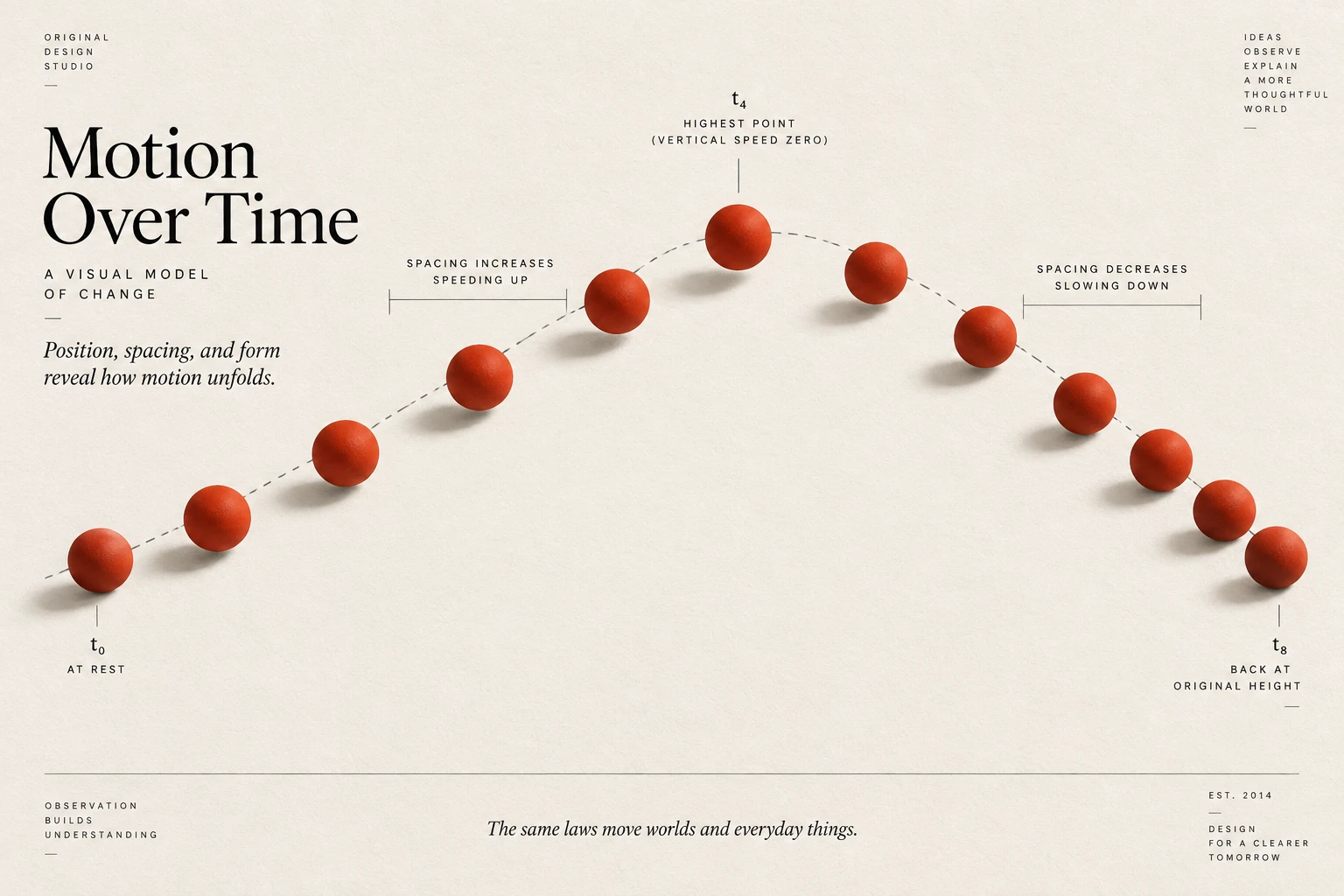
The idea
Easing controls the rate of change during an animation.
A panel that slows as it reaches its position can feel settled; a constant-speed indicator may be appropriate for continuous movement. Neither approach is automatically more natural or more correct.
Compare the curve together with duration and distance. A strong overshoot can draw attention, but it may be distracting on a frequently used control. Reuse a small set of curves with clear roles, then check them in the real interface rather than choosing from an isolated demo.
How to see it
Terms used in this lesson
The parts
- Easing
- How the rate of change varies during an animation.
- Linear
- A constant rate of change.
- Overshoot
- Movement beyond the destination before settling back.
In practice
- Choose curves for specific interaction roles
- Compare easing with duration and distance
- Reuse a small set of tested curves
Avoid
- Treating linear motion as always wrong
- Overshoot that distracts from routine tasks
- Choosing easing only from an isolated preview
The test
Trigger the transition several times while completing a task. Does its movement communicate the intended change without making the control feel delayed or unstable?
Learn this
- MotionButton Press
- MotionEasings
- MotionStagger
- MotionAnticipation
- MotionFollow-Through
Reviewed against all forty, on your product.
The audit is the cheapest thing we sell, and it regularly concludes that you do not need the project you came for.