
Access · 03 of 04
Make the whole task keyboard-accessible
Keep controls reachable, focus visible and navigation predictable.
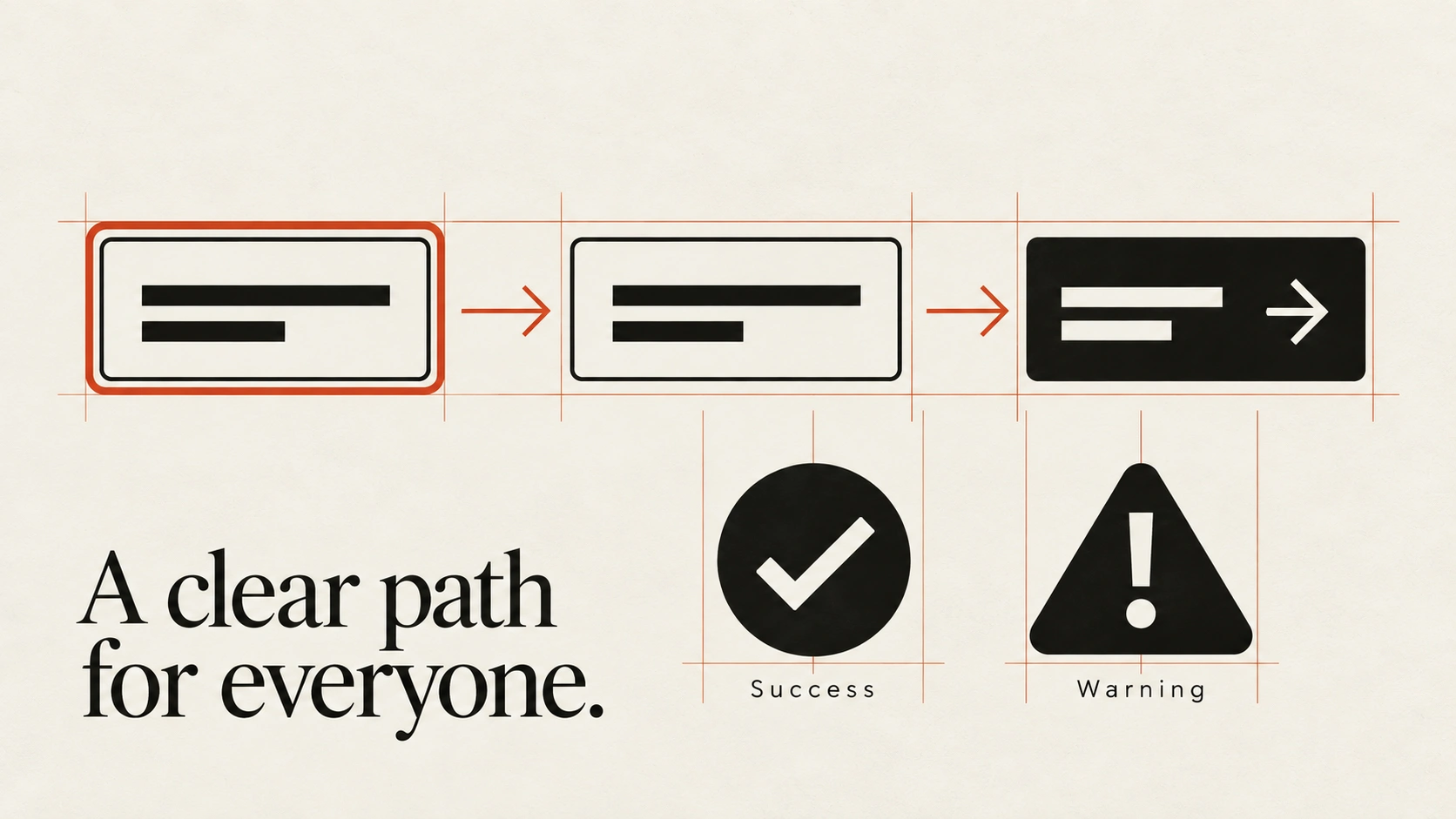
The idea
People must be able to operate the interface without relying on a pointer.
Test the complete task, including opening menus, choosing values, submitting forms and recovering from errors. Keyboard patterns differ by control: Tab moves between controls, while some widgets use arrow keys within them.
Keep focus visible and avoid obscuring the active control with fixed content. A modal dialog needs managed focus while it is open and an appropriate return point when it closes. Provide alternatives to interactions that require dragging, and test custom widgets rather than assuming their appearance proves their behaviour.
How to see it
Terms used in this lesson
The parts
- Focus
- The element currently receiving keyboard input.
- Focus indicator
- The visible mark identifying that element.
- Modal
- A temporary interaction that restricts access to the surrounding page.
In practice
- Test full tasks without a pointer
- Keep focus visible and unobscured
- Manage focus in modal interactions
Avoid
- Removing focus styling without a replacement
- Hover-only access to essential controls
- Drag-only actions without an alternative
The test
Complete the main task using only the keyboard. Can you always find focus, reach the next action and leave a temporary menu or dialog?
Reviewed against all forty, on your product.
The audit is the cheapest thing we sell, and it regularly concludes that you do not need the project you came for.