
Interface · 03 of 04
Make waiting understandable
Acknowledge actions promptly and show the real state of longer work.
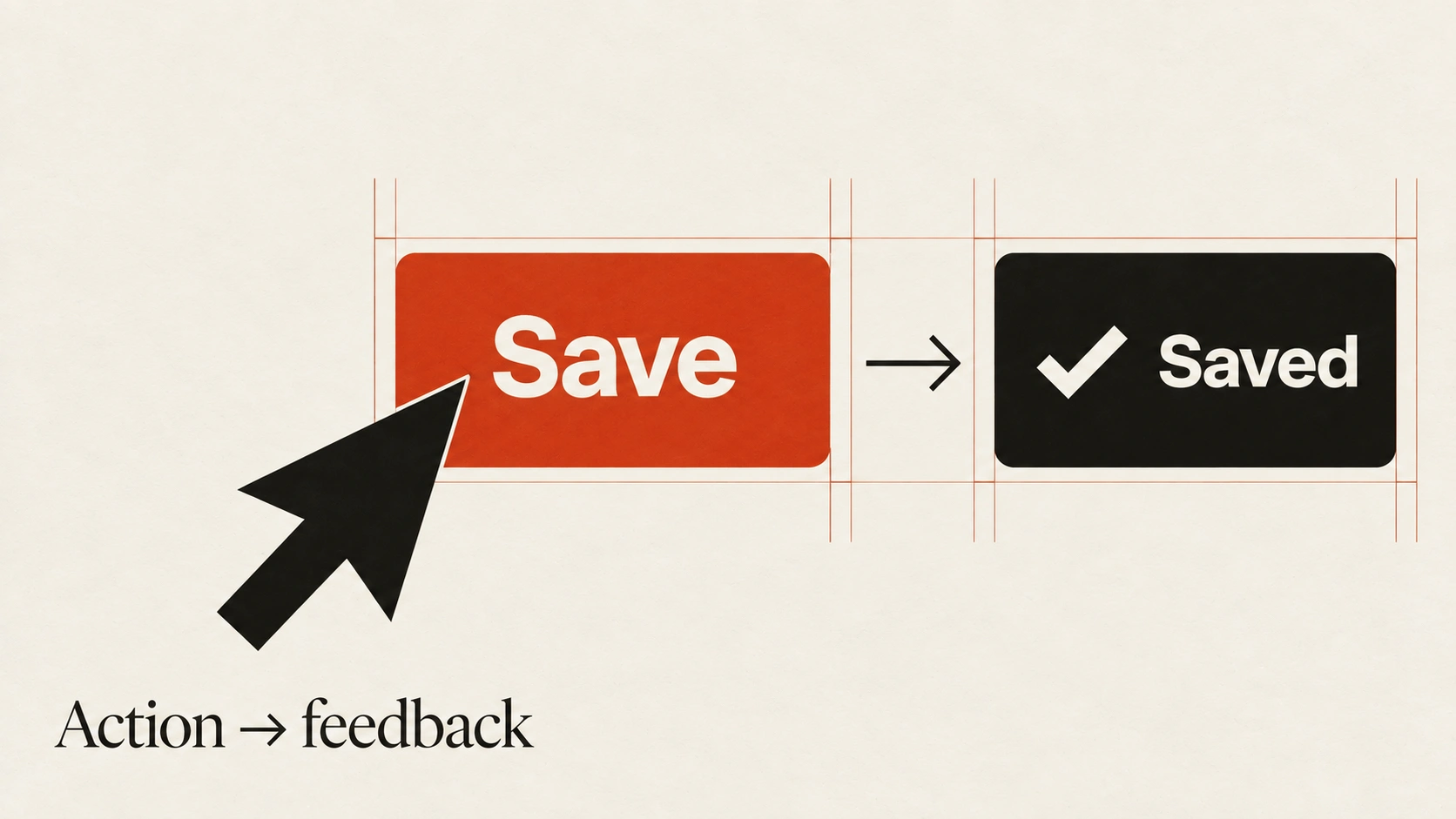
The idea
After someone activates a control, the interface should make clear that the action was received.
Feedback might be a pressed state, a pending label or an updated view. Avoid leaving a silent gap that encourages repeated submissions.
For longer work, explain what is happening and provide accurate progress when it is available. Do not invent a percentage when the system cannot measure it. Let people cancel or return later when the operation supports that safely. If an optimistic update fails, preserve their input and explain how to recover.
How to see it
Terms used in this lesson
The parts
- Acknowledgement
- Immediate feedback that input was received.
- Progress
- An accurate indication of work completed or remaining.
- Optimistic update
- A provisional result shown before server confirmation, with a recovery path if it fails.
In practice
- Acknowledge input promptly
- Show accurate pending and failure states
- Preserve input when a request fails
Avoid
- Silent waits that invite repeat submissions
- Invented progress percentages
- Optimistic updates without a recovery path
The test
Test the flow on a slow connection and force a failed request. Can you tell whether the action is pending, complete or failed, and what to do next?
Learn this
Reviewed against all forty, on your product.
The audit is the cheapest thing we sell, and it regularly concludes that you do not need the project you came for.