
Interface · 01 of 04
Design the full set of states
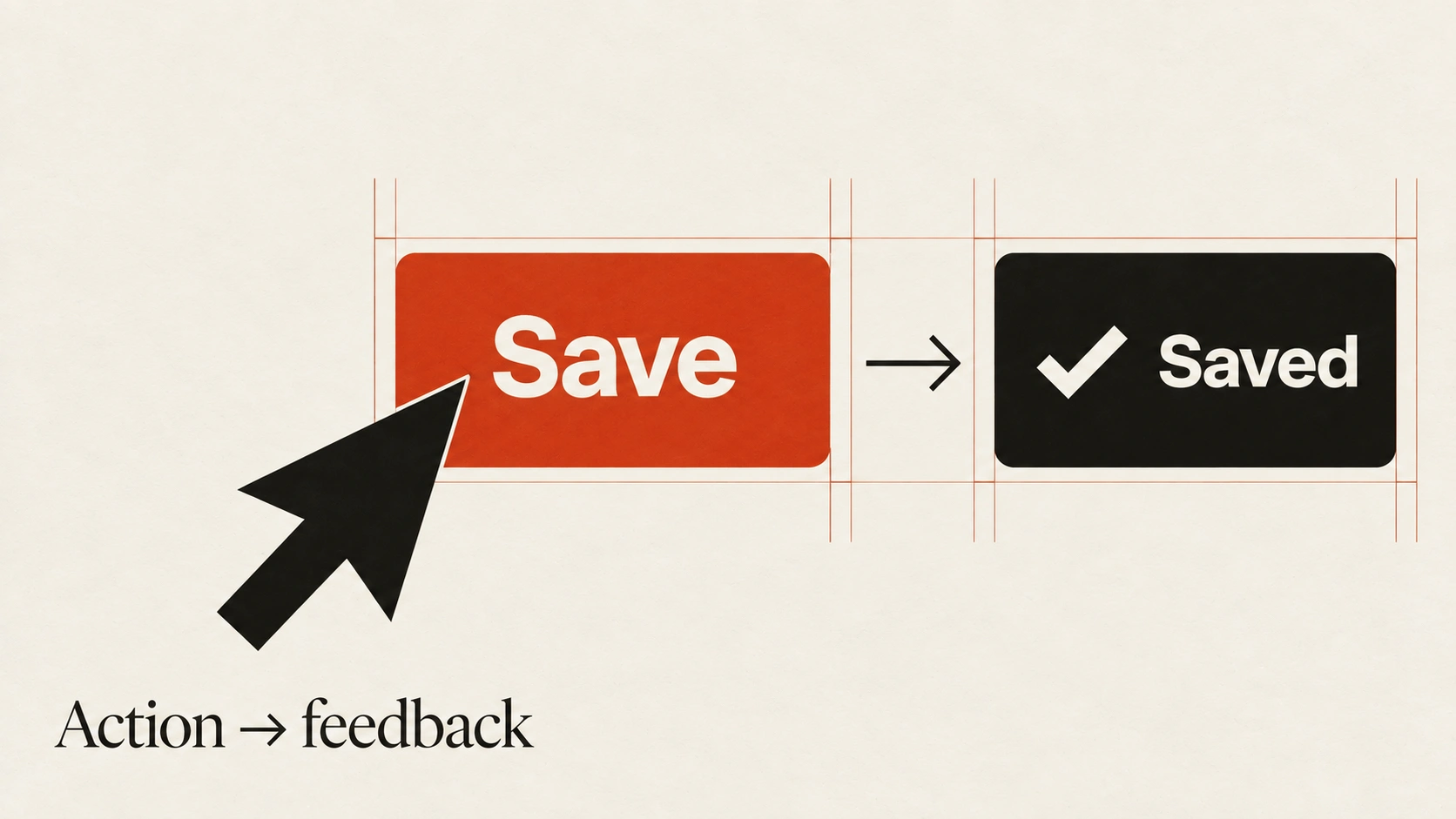
Show what happens before, during and after the successful result.
The idea
A finished screen is only one part of an interface.
People also encounter empty lists, slow requests, partial results, errors and content that does not fit the ideal layout. These states need enough information to explain what is happening and what to do next.
Map the transitions around a real task. Distinguish an empty account from a search with no matches, and a retryable failure from a permission problem. Use realistic long names and large datasets to check wrapping and overflow. Keep existing work visible when a temporary problem does not require removing it.
How to see it
Terms used in this lesson
The parts
- Empty
- No content is available in the current context.
- Loading
- An operation is still pending.
- Overflow
- Content exceeds the space anticipated by the layout.
In practice
- Map states around a complete task
- Use long and missing content in review
- Offer a relevant recovery action
Avoid
- Treating every empty state the same
- Removing useful data after a temporary error
- Designing only the ideal screenshot
The test
Walk through the task with no data, a delayed response, a failure and unusually long content. Is there a clear next step in each case?
Learn this
- DataLiving Charts
- ProductState Matrix
- ProductEmpty States
Reviewed against all forty, on your product.
The audit is the cheapest thing we sell, and it regularly concludes that you do not need the project you came for.