
Interface · 04 of 04
Protect the work people have done
Preserve recoverable input and make destructive actions clear.
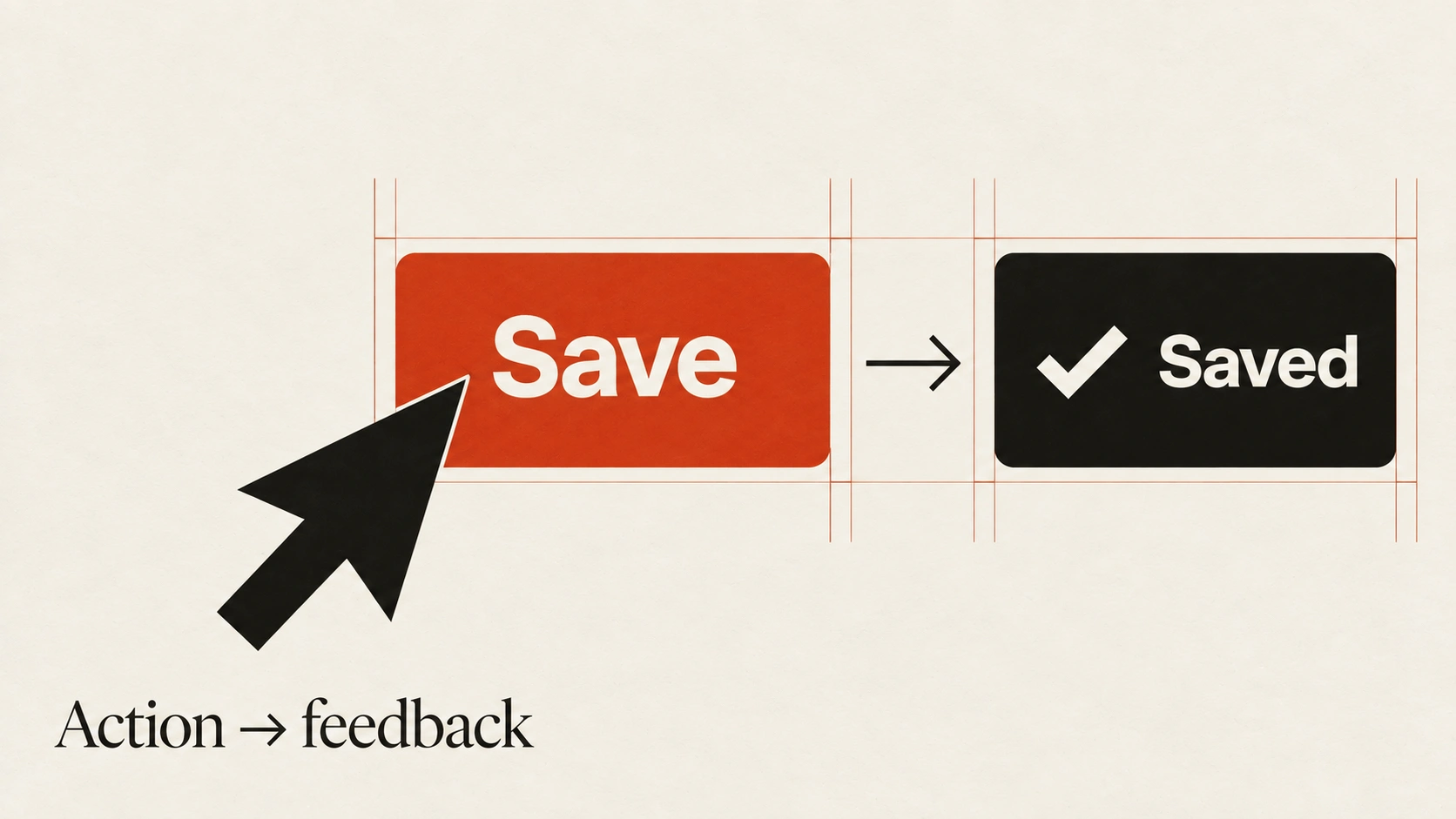
The idea
A network failure, accidental navigation or mistaken deletion should not casually erase useful work.
Decide which changes need a draft, recovery history or undo, and make the saved state accurate. Show a save failure rather than implying that unsaved work is safe.
Match the recovery mechanism to the consequence. Undo works well for reversible edits; an irreversible action may need a specific confirmation naming what will be lost. Draft storage also needs an appropriate retention and privacy policy. Do not persist sensitive inputs indiscriminately or restore stale content without context.
How to see it
Terms used in this lesson
The parts
- Draft
- A recoverable version of unfinished work.
- Undo
- A way to reverse a supported action.
- Confirmation
- A deliberate check before a consequential action.
In practice
- Show whether changes are saved
- Provide appropriate draft or undo support
- Name the consequence of irreversible actions
Avoid
- Claiming a failed save succeeded
- Persisting sensitive inputs indiscriminately
- Using generic confirmations for every small edit
The test
Interrupt a save, reload the page and make a reversible mistake. Does the interface preserve the expected work and explain any limits to recovery?
Learn this
- PackagingCrash-Lock Load Path
- ProductSticky + Focus
- ProductDestructive Confirm
Reviewed against all forty, on your product.
The audit is the cheapest thing we sell, and it regularly concludes that you do not need the project you came for.